PledgeBox


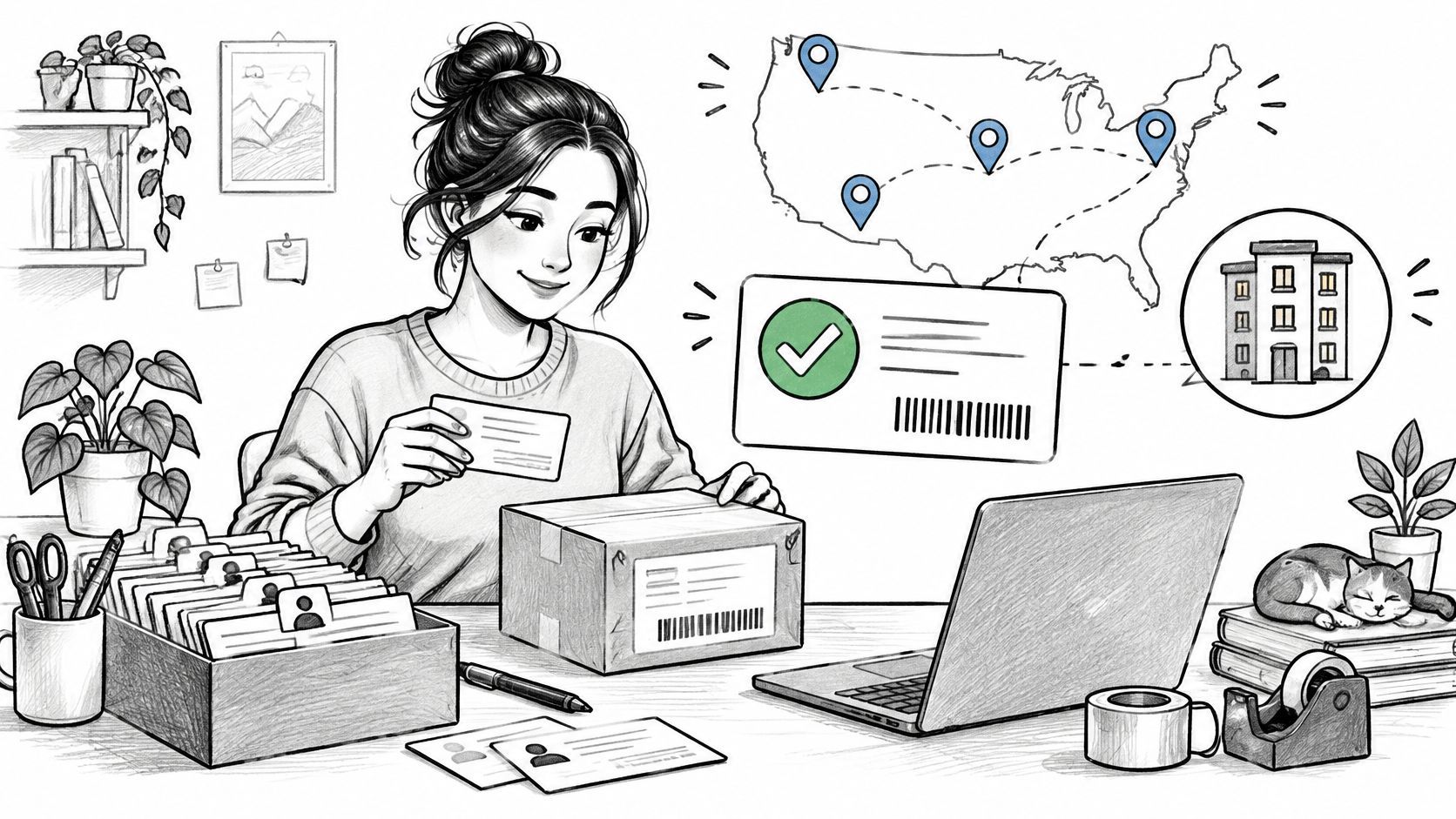
Free Address Verification
- Google Map API
- Real-time Address Suggestions


Advanced Product Variant Settings
- Variant Photo
- Upgradeable Variant
- Variant Inventory Control


Advanced Add-on
- Upgradeable Add-on Variant
- Bundle
- Gift
- Customizable Add-on Layout

Flexible Display
- AI theme Detection
- Customizable Email Content
- Pop-up Notification
- Banner
Notification

Auto Backer Invoice
Allow backers to generate and download invoice on their own. Save your time in communication

Support Local Pick-up
An alternative delivery method for nearby backers


Fulfillment Analysis
Unlock valuable insights into your fulfillment data


Pledge Lock/Partial Lock
Lock backer surveys to prevent modifications, with partial lock allowing changes only to address and payment details


Coupon to Backers
Offer special discounts or promotions to backers, driving purchases and boosting engagement.


GPT Helper
Built-in ChatGPT to answer your questions
STEP 1
Connect Campaign
Sign up for a PledgeBox account and connect with your Kickstarter campaign. All the pledges and rewards information will be automatically imported to your PledgeBox

STEP 2
Configure Products and Rewards
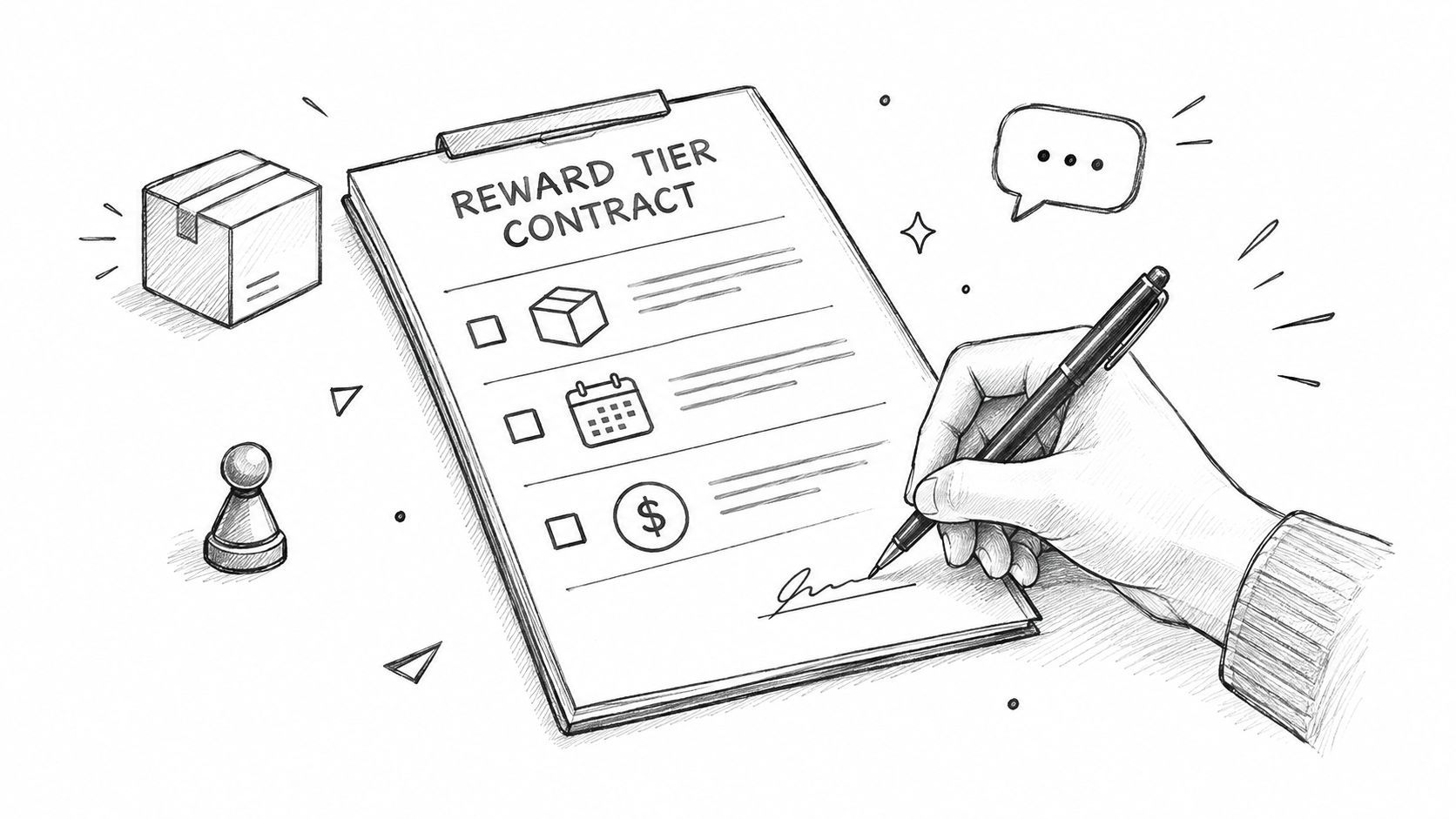
Edit products(SKUs), map products into rewards, and decide which of them you want to be available for certain backers to buy extra.

STEP 3
Send Survey
One-click to send the survey invitation through email to each of the backers. After opening the survey invitation link, backers will be able to pick the product variants, like colors, sizes…etc, buy add-ons, fill in the shipping address, and pay for the add-ons they chose.

STEP 4
Ship Reward
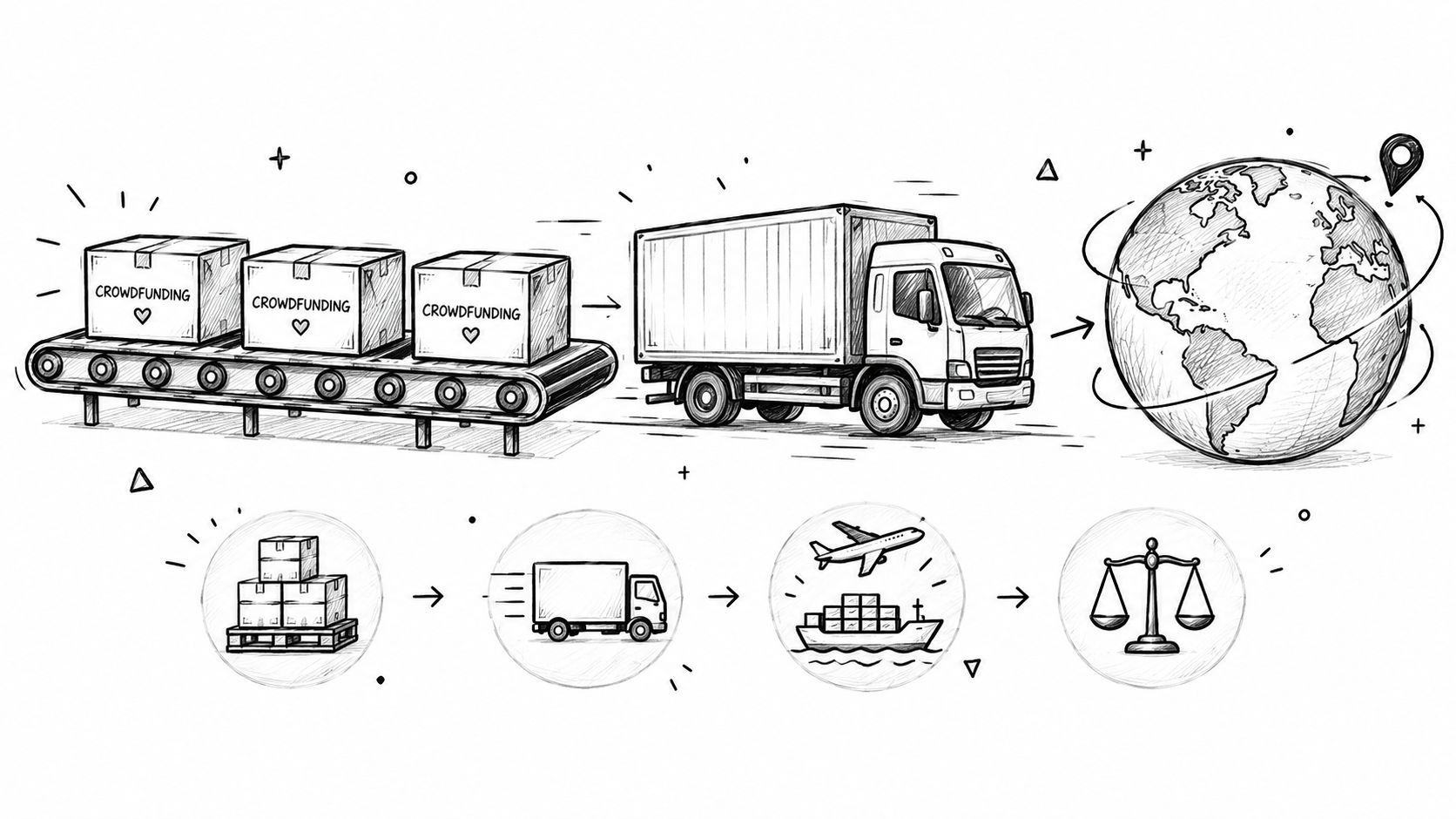
One-click to push the survey result to shipping partners or download the CSV/Excel files for upload to any shipping firms.

What Is a Pledge Manager?
A pledge manager is a specialized post-campaign tool that helps crowdfunding creators collect backer information, process additional orders, and prepare shipments after a Kickstarter or Indiegogo campaign ends. While crowdfunding platforms handle the initial fundraising phase, a pledge manager takes over once the campaign closes — bridging the gap between collecting funds and delivering rewards.
Without a dedicated pledge manager, creators often rely on spreadsheets, manual emails, and fragmented tools to gather shipping addresses, let backers select product variants, and collect fees for shipping, tax, and add-ons. This approach breaks down quickly as backer counts grow past a few hundred. Errors multiply, communication becomes inconsistent, and revenue from potential add-on sales is left on the table.
A purpose-built pledge manager like PledgeBox handles every aspect of post-campaign fulfillment in a single dashboard. Creators can send branded backer surveys to collect shipping addresses and product preferences, offer add-on products and reward upgrades directly within the survey, calculate and collect shipping fees based on weight, quantity, product type, or zip code, apply tax and VAT rates by country, state, or product, verify addresses in real time using Google Maps integration, deliver digital products through secure download links or verification codes, and push completed orders to shipping vendors or export them as CSV files.
Since 2019, PledgeBox has served over 19,000 creators — from first-time project makers to established brands like EcoFlow, Bambu Lab, and AnkerMake. The platform is built specifically for crowdfunding workflows, which means every feature is designed around the unique challenges creators face during fulfillment. Unlike general-purpose e-commerce tools, PledgeBox understands pledge tiers, reward mapping, late backers, and the distinction between original campaign funds and post-campaign revenue.
Whether you are running a small creative project or managing a multi-million-dollar hardware campaign, a pledge manager is essential for maintaining backer trust and maximizing your post-campaign revenue.
Why Creators Choose PledgeBox
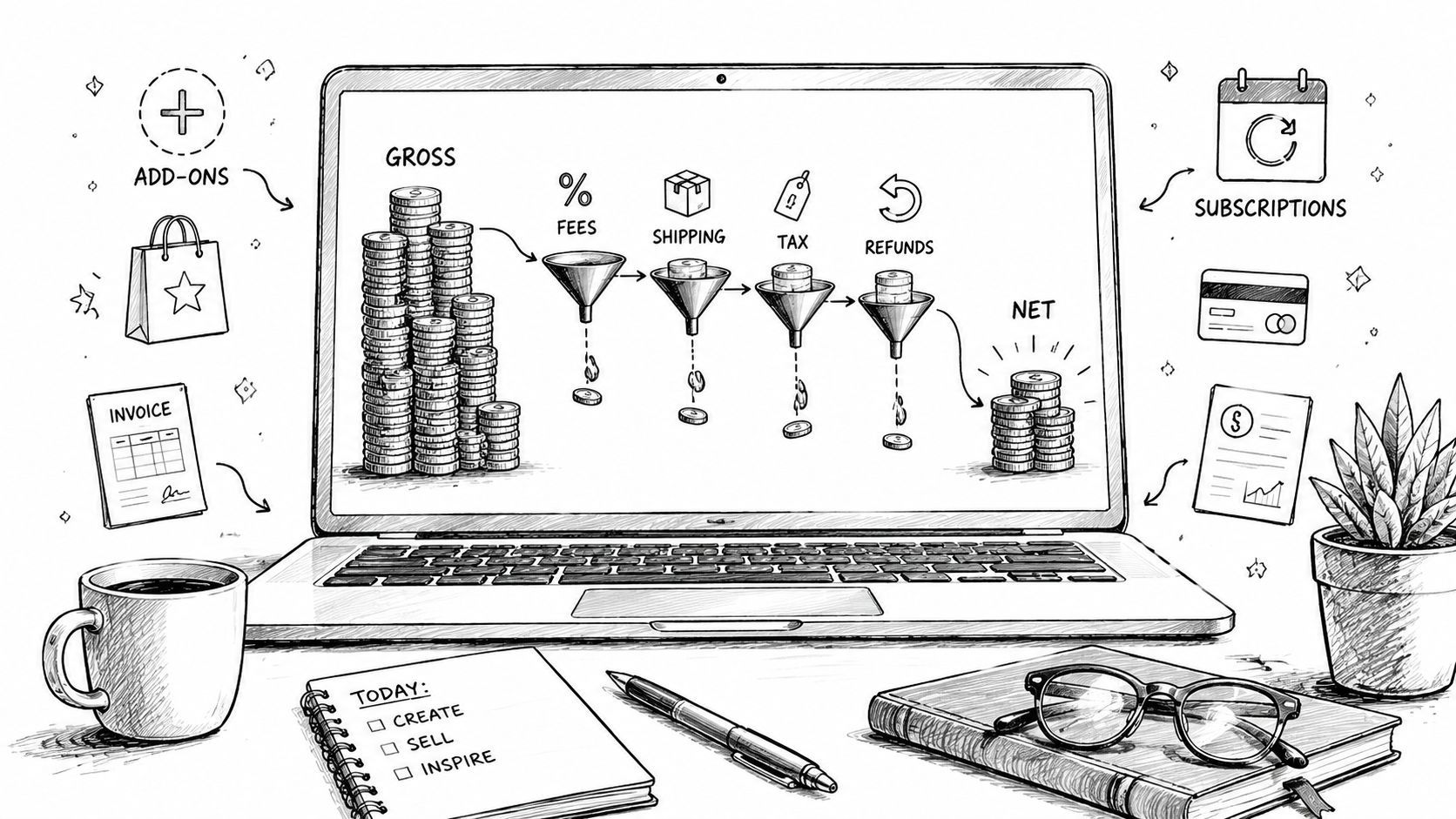
Creators choose PledgeBox because it eliminates the fees that eat into crowdfunding revenue. There is no campaign fee — PledgeBox does not charge anything on your original Kickstarter or Indiegogo funds. The standard platform fee is 3% on additional survey payments, including add-ons, shipping and taxes. Surveys with no additional payment are free. Pre-order store transactions have a 5% platform fee. Payment-provider fees are separate. Review the fee basis and examples.
Getting started is straightforward. The AI Setup Wizard walks creators through campaign configuration step by step, from importing backer data to setting up products, variants, and shipping rules. Most creators have their survey ready to send within a single session. PledgeBox also supports custom domain URLs for backer surveys, so backers see your brand — not a third-party platform — when they complete their survey.
The results speak for themselves. PledgeBox creators achieve an average 89% survey response rate, compared to the industry average of 65%. Add-on revenue increases by an average of 28%, driven by an intuitive survey layout that makes it easy for backers to discover and purchase additional products. Payments use the creator's connected receiving account. Provider settlement, holds and bank payout timing depend on the account and receiving route. Understand payout timing.
PledgeBox integrates with the tools creators already use. Connect your Stripe or PayPal account for payment processing, push orders directly to shipping vendors like ShipStation or Easyship, and sync with Shopify for ongoing sales. Built-in features like automated invoice generation, shipping status notifications, and backer coupon codes reduce the manual work involved in fulfillment.
For creators who want a pledge manager that is powerful, affordable, and built specifically for crowdfunding, PledgeBox delivers. Sign up for free and connect your campaign to see how PledgeBox can streamline your post-campaign workflow.
Frequently Asked Questions
How do I prepare and send a backer survey?
Connect your campaign and review the imported rewards and backers. Configure products, variants, reward mapping, shipping, tax and payment settings. Preview the backer experience and resolve blocking checklist messages before sending invitations.
Is PledgeBox free to use?
There is no setup fee or campaign fee on your original Kickstarter or Indiegogo funds. Surveys that collect no additional payment are free. The standard platform fee is 3% on payments collected through surveys, including add-ons, shipping and tax. Pre-order store transactions have a 5% platform fee. Payment-provider fees are separate. Check your project's Pricing Plan for its applicable terms.
How do I connect my campaign?
Sign in to your Creator account. You need the campaign URL and permission to manage that campaign.
- Open Pledge Manager and check whether the project is already listed.
- For a new project, select Add New Project, choose Kickstarter or Indiegogo, and enter the campaign URL.
- Follow the connection and import steps for your platform. Review the imported rewards and backer orders.
Can I collect shipping fees and tax in the survey?
Yes. Configure the shipping rules and tax settings for your project, then preview the total for the destinations you serve. Original pledge credit, additional items, shipping and tax should produce the intended balance. Tax calculation and collection settings do not by themselves mean PledgeBox files or remits taxes for you.
How do I download my digital products?
Complete your survey and open the order. When the creator has made a file available, find Download the Digital Products and select Get the Download Link. Follow the email's download and verification instructions. Contact the creator if the file is missing, expired or has reached its download limit.
How do I prepare orders for fulfillment?
Review survey completion and order status. Export the intended orders from Download Center, or use an available shipping integration. Check the order selection and notification settings before uploading tracking information. A completed survey does not mean the reward has shipped.